Multinational companies face persistent challenges with audio quality and multilingual accessibility in online video presentations. Poor sound clarity reduces comprehension, while language barriers limit engagement across global teams. AI-powered browser extensions now offer a straightforward solution, enabling creators and educators to enhance audio and translate speech without complex software installations or file uploads.
Table of Contents
- Prerequisites For Using AI Video Audio Enhancement
- Step-By-Step Method To Enhance And Translate Video Audio
- Common Mistakes And Troubleshooting Audio Enhancement
- Expected Results And Success Metrics For Video Audio Quality
- Safety And Privacy Considerations For Online AI Tools
- Discover Voixoai For Seamless Video Audio Enhancement
- Frequently Asked Questions
Key takeaways
| Point | Details |
|---|---|
| Browser compatibility | Chrome and Edge browsers support real-time AI audio enhancement without external uploads. |
| Step-by-step method | A five-step process covers enhancement, voice customization, translation, and synchronized dubbing. |
| Common mistakes | Over-processing audio and ignoring translation verification lead to poor results. |
| Measurable benefits | Speech clarity improves by over 40%, and production time decreases by up to 60%. |
| Privacy advantage | Browser-based processing reduces data breach risks by over 70% compared to cloud uploads. |
Prerequisites for using AI video audio enhancement
Before you start enhancing video audio with AI, you need the right setup. Modern browsers form the foundation of this process. Chrome and Edge browsers support real-time audio processing through AI extensions, eliminating the need for standalone software.
Access to a cloud-based AI tool is essential. These platforms integrate directly into your browser, allowing you to work with embedded videos from YouTube, Vimeo, and similar services. A stable internet connection ensures smooth processing without interruptions or delays.
Familiarity with video hosting platforms helps you work efficiently. Understanding how embedded videos function on these platforms lets you apply enhancements quickly. Most AI tools process audio in real time, so you see results immediately rather than waiting for lengthy uploads.
Subscription plans vary based on usage needs:
- Free tier: Limited monthly minutes for testing and light use
- Individual plans: Suitable for content creators producing regular videos
- Team plans: Mid-range processing hours for collaborative projects
- Enterprise plans: Extensive audio processing capacity for multinational companies
Here's a comparison of typical AI audio enhancement tool requirements:
| Requirement | Specification | Purpose |
|---|---|---|
| Browser | Chrome 90+, Edge 90+ | Real-time audio processing |
| Internet | 10 Mbps minimum | Smooth AI synthesis |
| Platform support | YouTube, Vimeo, embedded videos | Direct enhancement |
| Account type | Free to enterprise | Scalable usage |
Pro Tip: Test the AI tool with a short video segment before committing to full-length presentations to ensure output quality meets your standards.
Step-by-step method to enhance and translate video audio
Transforming video audio with AI follows a logical sequence. Each step builds on the previous one, ensuring quality output and natural-sounding results.
-
Connect your video source: Open the embedded video directly in your browser where the AI extension is active. The tool detects audio automatically without requiring file uploads. This approach maintains privacy while providing instant access to enhancement features.
-
Apply audio enhancement: Select clarity improvement and noise reduction options from the AI interface. These features remove background interference and sharpen speech frequencies. Start with moderate settings to preserve natural voice characteristics.
-
Customize voice parameters: Adjust tone, pitch, gender, accent, and speed to match your audience preferences. Multinational teams often benefit from accent adjustments that improve comprehension across regions. Small changes in pitch can make technical content more engaging.
-
Enable automatic translation: Choose target languages for synchronized dubbing. The AI browser extension processes speech in real time, generating translated audio that aligns with video timing. This eliminates manual syncing work and maintains viewer engagement.
-
Preview and finalize: Review the enhanced audio output carefully. Listen for unnatural artifacts or timing issues. Make adjustments as needed before exporting or sharing the video with your team.
Pro Tip: Use moderate audio enhancement settings to avoid unnatural voice artifacts during processing.
The entire process typically takes 10 to 15 minutes for a standard presentation video. Browser-based processing means you avoid the delays associated with uploading large files to external servers. This efficiency becomes particularly valuable when working with multiple videos or tight deadlines.
Common mistakes and troubleshooting audio enhancement
Even straightforward AI tools can produce poor results if you overlook key details. Understanding common errors helps you avoid frustration and wasted time.
Starting with low-quality audio undermines AI enhancement. Garbage in, garbage out applies here. Always use the highest quality source available. If the original recording has severe distortion or extreme background noise, AI can only do so much. Re-record when possible rather than relying solely on enhancement.

Over-processing creates robotic, unnatural voices. It's tempting to max out every enhancement slider, but restraint produces better results. Apply changes incrementally and preview frequently. If voices sound mechanical or lose emotional nuance, dial back your settings.
Poor synchronization frustrates viewers. When dubbed audio doesn't match lip movements or timing, comprehension suffers. Use the preview and sync tools provided by your AI platform. Watch the entire video, not just short clips, to catch timing drift that develops over longer durations.
Translation accuracy requires verification. AI translation has improved dramatically, but errors still occur, especially with technical terminology or cultural context. Always review translations with native speakers or trusted language resources before publishing. Small mistakes can undermine credibility in professional settings.
Key troubleshooting steps:
- If audio sounds distorted, reduce enhancement intensity by 20 to 30 percent
- For sync issues, adjust timing offsets in the AI tool's synchronization settings
- When translations feel off, cross-check with multiple translation tools or human reviewers
- If voices lack emotion, experiment with tone and pitch parameters rather than relying on defaults
Pro Tip: Regularly preview each step to catch and correct issues early in the workflow.
Documenting your settings helps you replicate successful results across multiple videos. Keep notes on which parameters worked best for different video types, speakers, and target languages.
Expected results and success metrics for video audio quality
Measuring improvement justifies the time invested in AI audio enhancement. Concrete metrics demonstrate value to stakeholders and guide optimization efforts.
Speech clarity improves significantly with AI enhancement. Studies show comprehension increases by over 40% when audio undergoes professional noise reduction and clarity optimization. Viewers spend less time rewinding to catch missed words, leading to faster information absorption.
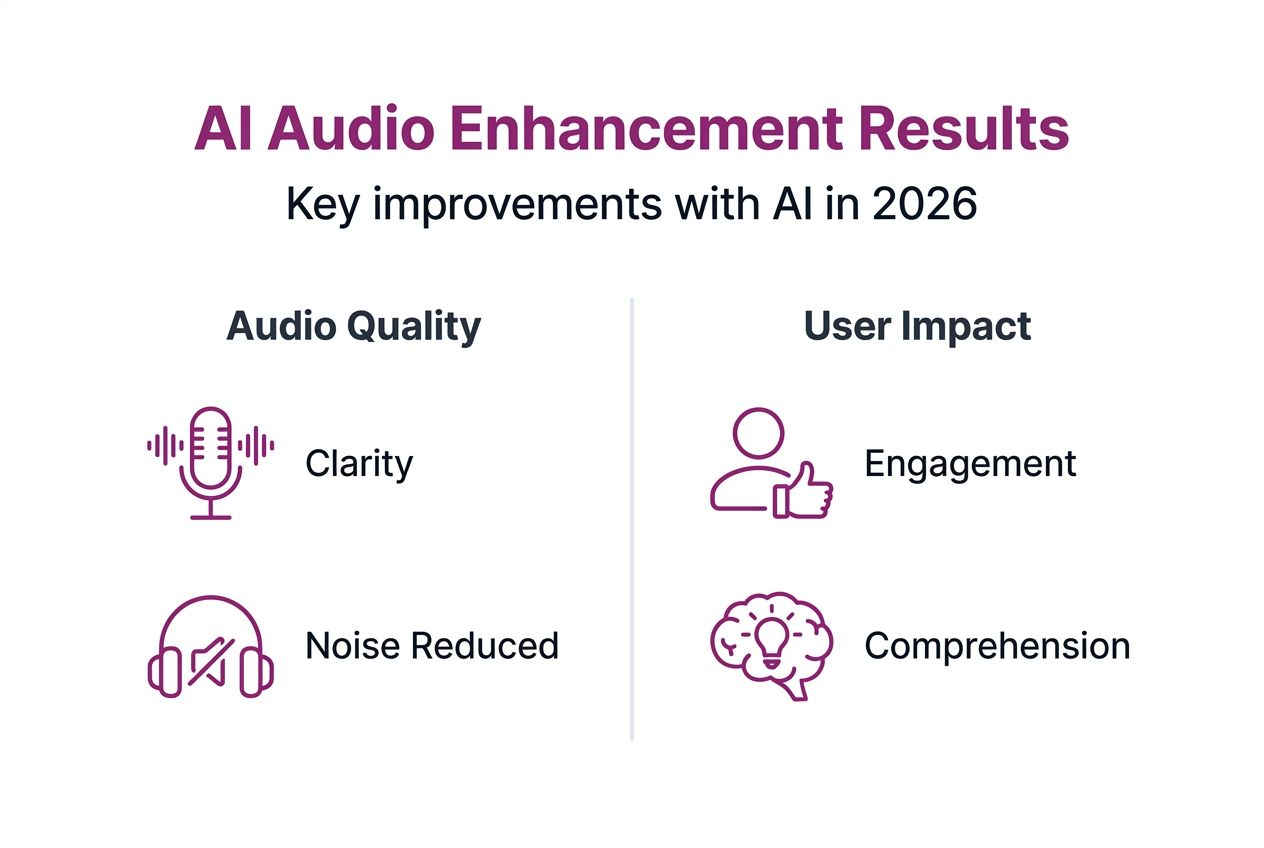
Production efficiency gains are substantial. Post-production time for multilingual dubbing decreases by up to 60% compared to traditional methods. What once took hours of manual editing now happens in minutes through automated AI processing. This efficiency frees creators to focus on content quality rather than technical tasks.
Audience comprehension in multinational settings increases between 30 and 50 percent. Native-language dubbing removes cognitive load associated with reading subtitles or parsing accented speech. Team members engage more deeply with content when language barriers disappear.
"AI-generated voices are rated natural and indistinguishable from human voices in roughly 80% of cases, making them suitable for professional corporate communication."
Here's how different metrics stack up:
| Metric | Improvement Range | Business Impact |
|---|---|---|
| Speech clarity | 40-50% increase | Higher viewer retention |
| Production time | 50-60% reduction | Lower costs, faster delivery |
| Audience comprehension | 30-50% increase | Better knowledge transfer |
| Voice naturalness | 80% acceptance rate | Professional credibility |
Tracking these benchmarks helps you evaluate process effectiveness and return on investment. Start by measuring baseline performance before AI enhancement, then compare post-enhancement results. Document improvements across multiple videos to identify patterns and optimize your workflow.
Safety and privacy considerations for online AI tools
Corporate video content often contains sensitive information. Understanding how AI tools handle your data protects both your organization and your audience.
Browser-based processing offers significant privacy advantages. When audio enhancement happens locally in your browser, you avoid uploading raw video files to external servers. This approach reduces data breach risks by over 70% compared to cloud-based upload systems. Your content never leaves your device in its original form.
Local processing gives you better control. Corporate data and voice assets remain within your infrastructure rather than residing on third-party servers. This control matters for compliance with data protection regulations and internal security policies.
"Transparency from AI tool providers about data handling and voice synthesis builds trust and enables informed decisions about tool adoption."
Key privacy practices:
- Verify that your AI tool processes audio locally rather than uploading files
- Review the provider's data handling policies to understand what information they collect
- Ensure compliance with regulations relevant to your industry and geography
- Check whether the tool retains any audio samples for model training purposes
- Confirm that enhanced outputs don't include watermarks or metadata that could expose sensitive information
Understand your organization's data protection requirements before adopting any AI tool. Some industries have strict regulations about how voice data can be processed and stored. Work with your IT and legal teams to ensure compliance.
The major advantage of browser-based AI enhancement is seamless processing without sharing raw video files externally. This architecture provides the benefits of cloud AI power while maintaining the security of local processing. You get sophisticated enhancement capabilities without compromising data sovereignty.
Discover VoixoAI for seamless video audio enhancement
If you're ready to transform your video presentations, VoixoAI delivers the tools covered in this guide. The platform operates entirely within your browser, processing audio in real time without uploads. This approach maintains privacy while providing enterprise-grade enhancement and multilingual dubbing capabilities.
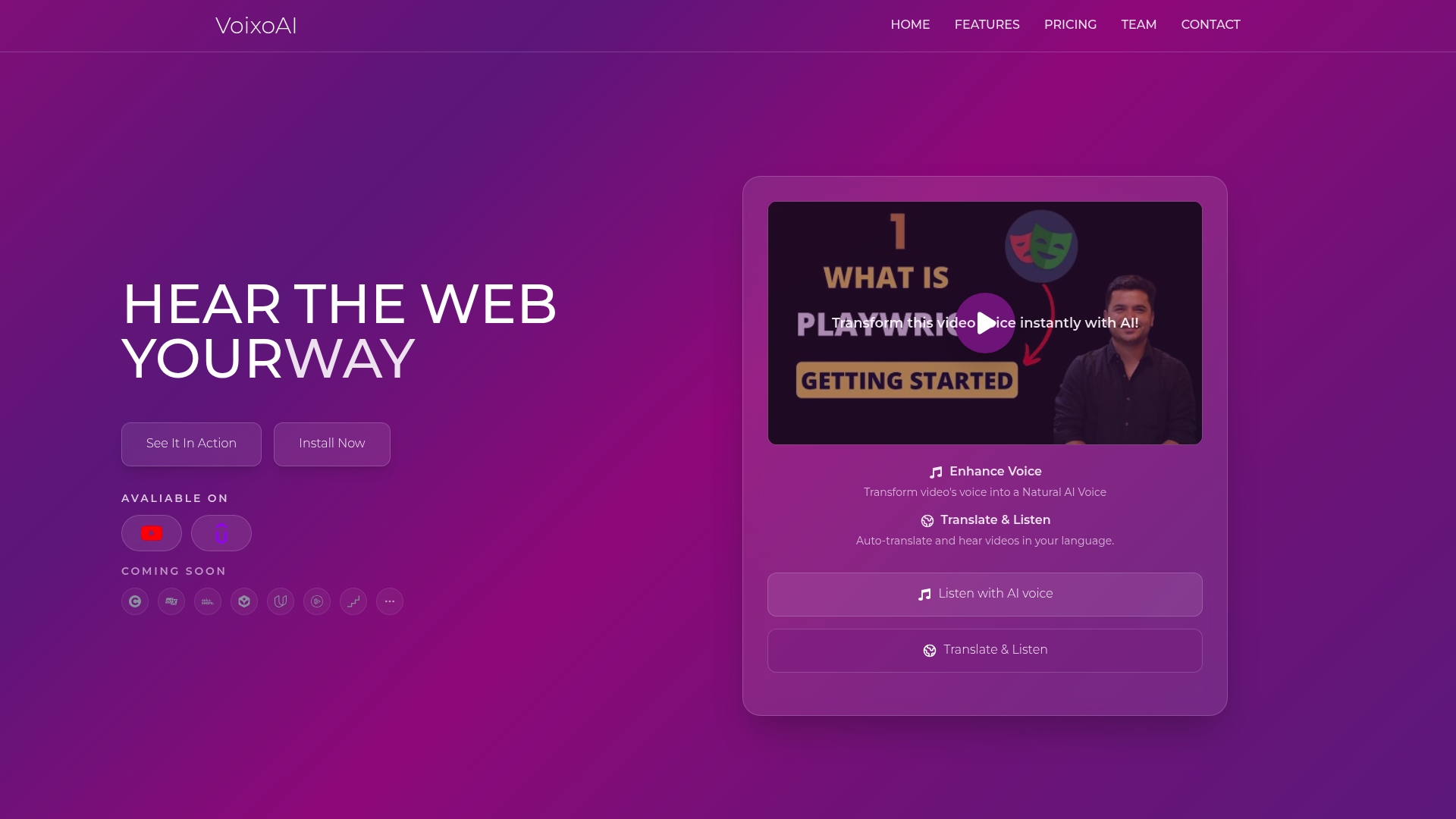
VoixoAI supports embedded videos from YouTube, Vimeo, and other popular platforms. You work directly with content where it lives, eliminating file downloads and uploads. Voice customization options let you adjust tone, pitch, accent, and speed to match your audience preferences precisely.
Subscription plans scale from individual creators to multinational enterprises. Free tiers let you test capabilities with limited monthly minutes. Paid plans offer extensive processing hours suitable for regular video production schedules. The platform's high-fidelity AI synthesis produces natural voices that maintain emotional nuance and professional credibility.
Frequently asked questions
What browsers support AI video audio enhancement tools?
Modern browsers like Chrome and Edge fully support AI audio enhancement and translation extensions. All processing happens locally to maintain privacy. Firefox and Safari may have limited support depending on the specific AI tool, so verify compatibility before committing to a platform.
How can I ensure accurate language translation in AI-dubbed videos?
Always review translated audio with native speakers or reliable language tools to confirm accuracy. Cross-check technical terminology and cultural references that AI might misinterpret. Adjust AI parameters and redo dubbing if necessary for best results.
Is it safe to use browser-based AI tools with confidential corporate videos?
Browser-based AI tools process data locally without uploading files externally, drastically lowering privacy risks. Ensure your AI provider discloses data handling policies transparently and doesn't retain audio samples for training purposes. Verify compliance with your organization's data protection requirements before adoption.
How long does AI audio enhancement typically take for a standard presentation?
A typical 20-minute presentation video takes 10 to 15 minutes to enhance and translate using browser-based AI tools. Actual time varies based on the number of languages, complexity of audio issues, and customization depth. Real-time processing eliminates upload and download delays common with server-based systems.
Can AI tools handle multiple speakers with different accents in one video?
Yes, modern AI audio tools identify and process multiple speakers independently. You can apply different voice parameters to each speaker, adjusting accents and tones to optimize comprehension. Preview carefully to ensure speaker transitions remain natural and distinguishable throughout the video.