
Choosing the right AI tool for video audio enhancement and multilingual dubbing can transform your content's reach and quality. With dozens of platforms promising natural voices, seamless translation, and browser integration, educators and creators face an overwhelming decision. This guide breaks down expert criteria and compares leading AI video enhancement tools to help you select the solution that matches your workflow, budget, and audience needs.
Table of Contents
- How To Choose AI Tools For Educational Video Enhancement
- In-Depth Look At Leading AI Video Enhancement Tools
- Comparative Analysis And Pricing Overview
- Situational Recommendations For Content Creators And Educators
- Explore Voixoai For Seamless AI Video Audio Enhancement
- FAQ
Key takeaways
| Point | Details |
|---|---|
| Evaluation criteria | Voice synthesis quality, multilingual support, browser integration, and pricing models determine tool effectiveness for educational video enhancement. |
| Leading tools reviewed | VoixoAI, Descript, Synthesia, WellSaid Labs, and Google Cloud TTS each offer distinct strengths in dubbing, narration, and multilingual accessibility. |
| Pricing and accessibility | Free tiers and subscription plans range from limited monthly minutes to enterprise options, affecting tool viability for different creator scales. |
| Situational recommendations | Match tools to your workflow: browser-based for speed and privacy, offline editors for complex projects, and developer APIs for custom integrations. |
How to choose AI tools for educational video enhancement
Selecting an AI video tool requires evaluating several critical factors that impact both content quality and workflow efficiency. Voice synthesis quality stands at the forefront, as natural, expressive AI voices keep learners engaged and convey information clearly. Look for platforms offering customization options like tone, pitch, gender, accent, and speed to match your brand voice and audience preferences.
Multilingual language support and dubbing accuracy expand your content's reach to global audiences. Tools with broad language coverage and synchronized dubbing capabilities let you translate educational videos without hiring voice actors or managing complex post-production workflows. Integration with popular platforms like YouTube and Vimeo streamlines embedding and sharing, reducing friction in your content distribution pipeline.
Pricing models significantly affect accessibility for creators at different scales. Free tiers typically offer 10 to 30 minutes of monthly usage, ideal for testing features before committing to paid plans. Subscription tiers range from basic monthly options to annual enterprise packages with extensive audio processing hours. Browser-based tools reduce setup time and technical complexity by eliminating software installations and file uploads, making AI enhancement accessible to non-technical users.
Latency impacts real-time dubbing usability, especially for live presentations or interactive learning experiences. Tools with low processing delays enable smoother workflows and faster content turnaround. Privacy considerations matter too, as browser-based solutions that process video locally without server uploads protect sensitive educational content and student data.
Pro Tip: Create a weighted scorecard of your top three priorities (voice quality, language support, price) and rate each tool on a 1 to 5 scale to objectively compare options before subscribing.
In-depth look at leading AI video enhancement tools
VoixoAI stands out as a cloud-based web extension that enhances, translates, and dubs video audio directly within Chrome and Edge browsers. Its primary advantage lies in transforming original voices into natural AI voices without requiring file uploads to external servers, addressing privacy concerns for educators handling student content. The platform supports embedded videos from YouTube and Vimeo, streamlining workflows for creators who publish on these platforms. Voice customization options include tone, pitch, gender, accent, and speed, giving users granular control over output quality. Subscription plans scale from free limited minutes to annual packages offering extensive audio processing hours, making it accessible for individual creators and institutional users alike.

Descript excels in AI-powered video editing with its Overdub feature, which offers AI-powered video editing features with dubbing capabilities across 30+ voices. Unlike browser-based tools, Descript requires uploading video files to its servers, which may concern privacy-focused users but enables robust offline editing and transcription features. The platform combines overdubbing with text-based video editing, letting creators edit videos by modifying transcripts. This approach suits creators who need comprehensive post-production tools alongside voice enhancement. Pricing starts with a free tier for limited usage and scales to professional and enterprise plans based on monthly transcription hours and storage needs.
Synthesia offers a unique avatar-based video creation platform with support for 60+ languages, positioning it as a strong multilingual solution. Rather than enhancing existing video audio, Synthesia generates entire videos featuring AI avatars speaking your script in the selected language and voice. This approach works well for creating training materials, explainer videos, and multilingual presentations from scratch. The trade-off is higher cost compared to voice-only tools, with pricing typically starting at enterprise levels. Synthesia suits organizations with larger budgets seeking polished, professional video content without hiring actors or recording equipment.
WellSaid Labs provides ultra-realistic narration voices specifically designed for marketing, e-learning, and corporate communications. The platform focuses on voice quality over multilingual breadth, offering a curated selection of professional voice actors trained as AI models. This specialization produces some of the most natural-sounding synthetic voices available, ideal for creators prioritizing audio fidelity in educational content. Pricing follows a subscription model with tiers based on monthly voice generation minutes. WellSaid Labs integrates with content creation workflows through APIs and direct downloads, though it lacks the browser-based convenience of tools like VoixoAI.
Google Cloud Text-to-Speech API delivers developer-focused voice synthesis with over 220 voices across 40+ languages, making it the broadest multilingual option for custom integrations. Advanced WaveNet models provide high naturalness, suitable for educational platforms building proprietary video enhancement features. The API approach requires technical expertise to implement but offers maximum flexibility and scalability. Pricing follows a pay-as-you-go model based on characters processed, which can be cost-effective for high-volume users but complex to estimate for beginners. Google Cloud TTS suits developers and tech-savvy organizations more than individual creators seeking turnkey solutions.
"The best AI video tool balances voice quality, workflow integration, and cost to match your specific content creation needs and technical comfort level."
Pro Tip: Test each tool's free tier with a short educational video segment to compare voice naturalness, processing speed, and ease of use before committing to paid plans.
Comparative analysis and pricing overview
Comparing AI video enhancement tools reveals clear trade-offs between convenience, features, and cost. Voice quality varies significantly, with WellSaid Labs and Google Cloud's WaveNet models producing the most natural synthesis, followed closely by VoixoAI's expressive AI voices. Descript and Synthesia offer solid quality but prioritize editing features and avatar generation over pure voice fidelity. Latency differs too: browser-based tools like VoixoAI process videos with minimal delay, while upload-dependent platforms introduce waiting times during file transfers and server processing.
Language support spans a wide spectrum. Google Cloud TTS leads with 40+ languages and 220+ voices, ideal for truly global educational content. Synthesia supports 60+ languages with avatar synchronization, though voice options per language are more limited. VoixoAI and Descript offer robust multilingual capabilities focused on major languages, sufficient for most educational creators targeting North American, European, and Asian markets. WellSaid Labs concentrates on English voices, limiting its utility for multilingual projects.
Integration with YouTube and Vimeo embeds varies significantly. VoixoAI's browser extension enhances videos directly on these platforms without downloading files, preserving original links and metadata. Other tools require downloading source videos, processing them separately, and re-uploading enhanced versions, which disrupts content management workflows and can affect SEO through URL changes. This distinction matters for educators managing large video libraries or frequently updating content.
Pricing tiers reflect different business models and target users:
- VoixoAI: Free tier with limited monthly minutes; paid plans from basic to annual subscriptions offering extensive audio processing hours
- Descript: Free tier for limited transcription; professional plans starting around $12 per month; enterprise options for teams
- Synthesia: Enterprise pricing typically starting at $30+ per month; no free tier; billed annually
- WellSaid Labs: Subscription tiers from creator ($49/month) to enterprise levels based on voice generation minutes
- Google Cloud TTS: Pay-as-you-go at approximately $4 per million characters; WaveNet voices cost more; free tier includes 1 million characters monthly
Trade-offs between browser ease and feature depth emerge clearly. Browser-based tools prioritize speed and accessibility but may offer fewer advanced editing options. Desktop applications and APIs provide comprehensive feature sets at the cost of steeper learning curves and longer workflows. Educators with simple enhancement needs benefit from browser tools, while video production teams requiring granular control may prefer full-featured editors.
Pro Tip: Calculate your monthly usage in minutes or characters and compare actual costs across tools, as pricing structures (per-minute vs. per-character) can produce surprising differences at scale.
Situational recommendations for content creators and educators
Your ideal AI video tool depends on specific workflow requirements, technical comfort, and content goals. Consider these tailored recommendations:
-
Privacy-conscious creators and browser-based workflows: Choose VoixoAI for seamless enhancement of YouTube and Vimeo videos without uploading files to external servers. This approach protects student data, maintains content control, and eliminates download-upload cycles. The browser extension integrates directly into your existing workflow, making voice enhancement as simple as playing a video.
-
Multilingual avatar presentations and larger budgets: Opt for Synthesia when creating polished training materials or explainer videos from scratch in multiple languages. The avatar-based approach works best for scripted content where visual consistency and professional presentation outweigh the higher cost per video. Organizations with dedicated video budgets find Synthesia's turnkey solution worth the premium pricing.
-
Offline editing needs with transcription and overdub: Select Descript if your workflow includes detailed script editing, transcription services, and comprehensive post-production features beyond voice enhancement. The text-based editing interface appeals to creators who think in terms of written content and appreciate visual waveform editing. The upload requirement becomes less of a concern when you need the robust editing tools Descript provides.
-
High-quality narration for marketing and premium courses: Use WellSaid Labs when audio fidelity directly impacts perceived content value, such as paid courses, brand videos, or professional development materials. The curated voice selection ensures consistently professional results without the variability of broader platforms. Budget for higher per-minute costs in exchange for superior voice quality.
-
Developers creating custom integrations: Implement Google Cloud TTS when building proprietary educational platforms, mobile apps, or automated video generation systems. The API approach offers maximum flexibility and scalability, though it requires technical expertise to integrate and optimize. Development teams can leverage the broad language support and advanced voice models to create competitive features.
-
Educators testing AI enhancement: Start with free tiers from VoixoAI or Google Cloud TTS to experiment with voice enhancement before committing budgets. Test tools with representative content samples to evaluate voice quality, processing speed, and workflow fit. Most platforms offer enough free usage to determine whether AI enhancement adds value to your specific educational content.
Explore VoixoAI for seamless AI video audio enhancement
Ready to enhance your educational videos without complex workflows or privacy concerns? VoixoAI delivers natural AI voice dubbing directly in your browser, transforming video audio on YouTube and Vimeo without uploading files to external servers. This approach streamlines content creation while protecting sensitive educational materials.
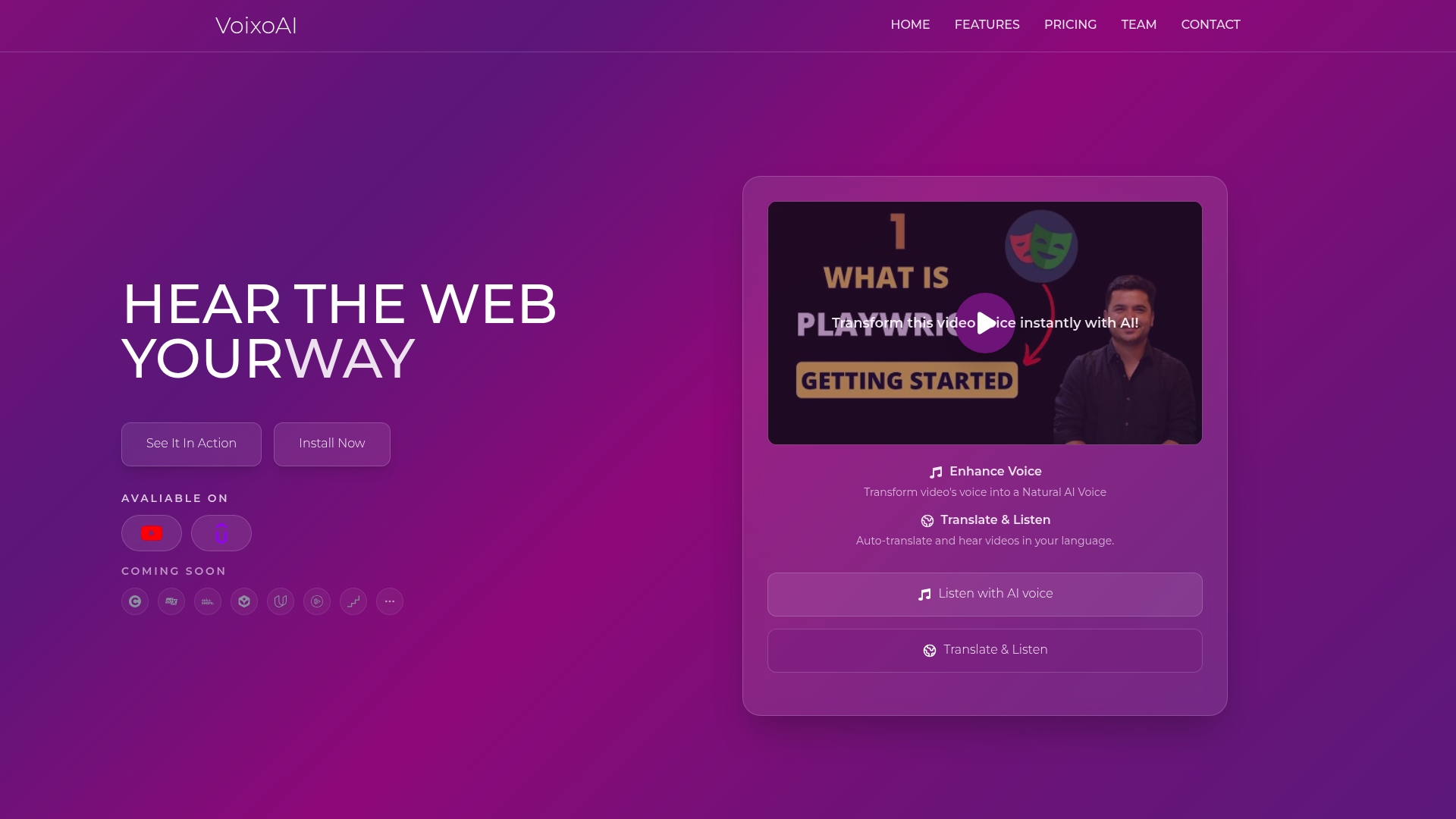
The platform's customizable voice options let you adjust tone, pitch, gender, accent, and speed to match your teaching style and audience preferences. Free and subscription plans provide scalable options from initial testing to institutional deployment. Whether you're creating multilingual course content, improving audio quality in lecture recordings, or adding professional narration to tutorials, VoixoAI's browser-based dubbing eliminates technical barriers and accelerates your content enhancement workflow. Explore how AI-powered voice technology can expand your educational reach today.
FAQ
What is AI voice dubbing in educational videos?
AI voice dubbing replaces or enhances original audio using synthetic voices to improve clarity and enable language translation, making content more accessible. This technology helps educators reach wider audiences with multilingual content without hiring voice actors or managing complex post-production workflows.
How do browser-based AI video enhancement tools differ from software installs?
Browser-based tools require no downloads and enable quick, private video enhancement directly in your web browser, reducing setup friction and technical requirements. They often process videos locally or with minimal server interaction, improving privacy and reducing latency compared to upload-dependent software.
Which AI tool offers the broadest language support for multilingual dubbing?
Google Cloud TTS supports 40+ languages with 220+ voices, making it the most comprehensive option for developers needing extensive multilingual AI dubbing capabilities. Synthesia and other platforms offer broad but smaller language ranges, typically focusing on 20 to 60 languages with fewer voice options per language.
Are there free tiers available to test AI video enhancement tools?
Most AI tools offer free tiers providing 10 to 30 minutes of monthly usage or equivalent character limits, letting creators test features before subscribing. Evaluate free limits against your typical monthly workflow needs to determine whether trial options provide sufficient testing time. VoixoAI's free tier offers limited monthly minutes ideal for initial experimentation with browser-based voice enhancement.